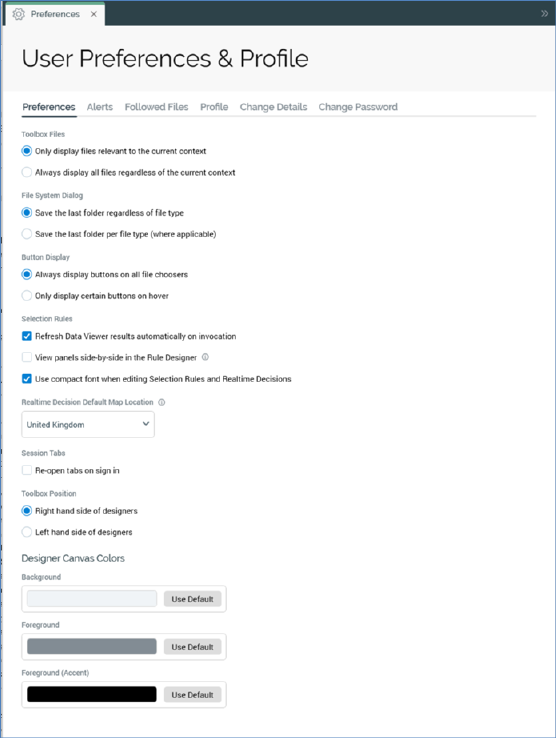
The User Preferences & Profile interface is accessible from the option of the same name in the Quick Access menu. It is displayed within a separate tab.
As with the Configuration Workbench and Operations interface, you can only display a single instance of the Preferences interface at any given time.
The following tabs are presented in the tabset displayed in the Preferences interface:
•Preferences
•Alerts
•Followed Files
•Profile
•Change Details
•Change Password
Selection of a tab displays an appropriate interface: