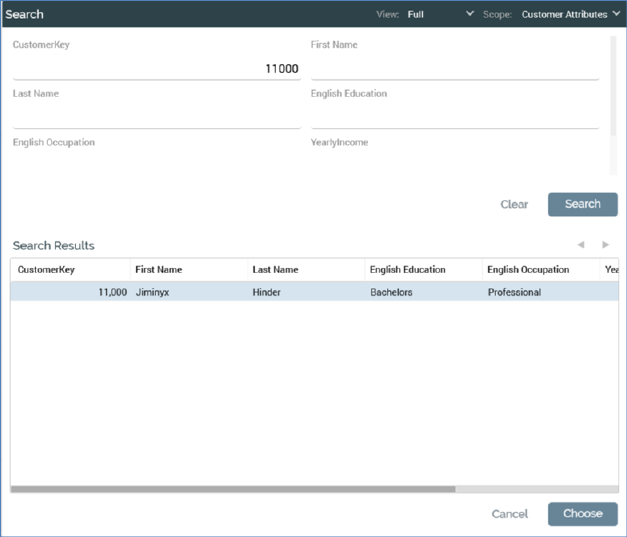
The Search overlay is displayed on initial invocation of the Single Customer View, and subsequently when the Search button is clicked in the main interface.
It allows you to specify one or more search criteria, then execute a search for records matching those criteria. If one or more matching records is found, they are listed in the Search Results section, from where you can choose a single record in respect of which to view details in the main Single Customer View interface.
The Search overlay contains a toolbar, search criteria fields and Search Results sections. Each is described separately.