This job type is created on clicking the Audit Joins job in the Joins configuration interface.
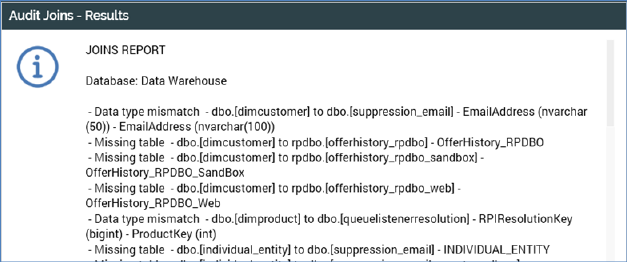
When the job completes, a View Results button is shown. Clicking it displays the Audit Joins – Results dialog.
A Joins Report is displayed therein, documenting the following:
•Missing tables
•Missing columns
•Data type mismatches
Missing indexes•
A Copy Results to Clipboard button is available at the bottom of the dialog.