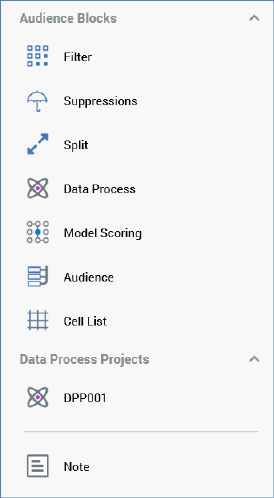
The section at the top of the Audience Designer toolbox exposes the following:
•Audience Blocks: exposing the following:
o Filter
o Suppressions
o Split
o Data Process
o Model Scoring
o Audience
o Cell List
You can drag each block type from the toolbox in order drop it onto the workspace.
•Data Process Projects: any data process Projects configured at the current RPI client that have their Show in toolbox properties set are listed. You can drag a data process project from the toolbox and drop it onto the Audience Designer workspace, creating a data process block with a pre-configured Data process project property.
•Note
When you drag a block from the toolbox, a label is displayed against the cursor (‘Insert new [block type]’).
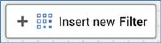
If you cannot drop the block (for example, due to its being positioned above the toolbox), the label is accompanied by a ‘no drop’ icon:
At the point of dropping the block onto the workspace, a new block of the appropriate type is displayed at the cursor’s current position.